
Formatting interrupts the scene
Choose scene, action, character, dialogue, parenthetical, or transition. The page takes screenplay shape as you write.
Write scenes, shape the story, discuss changes, and prepare your screenplay for the next stage in one workspace.
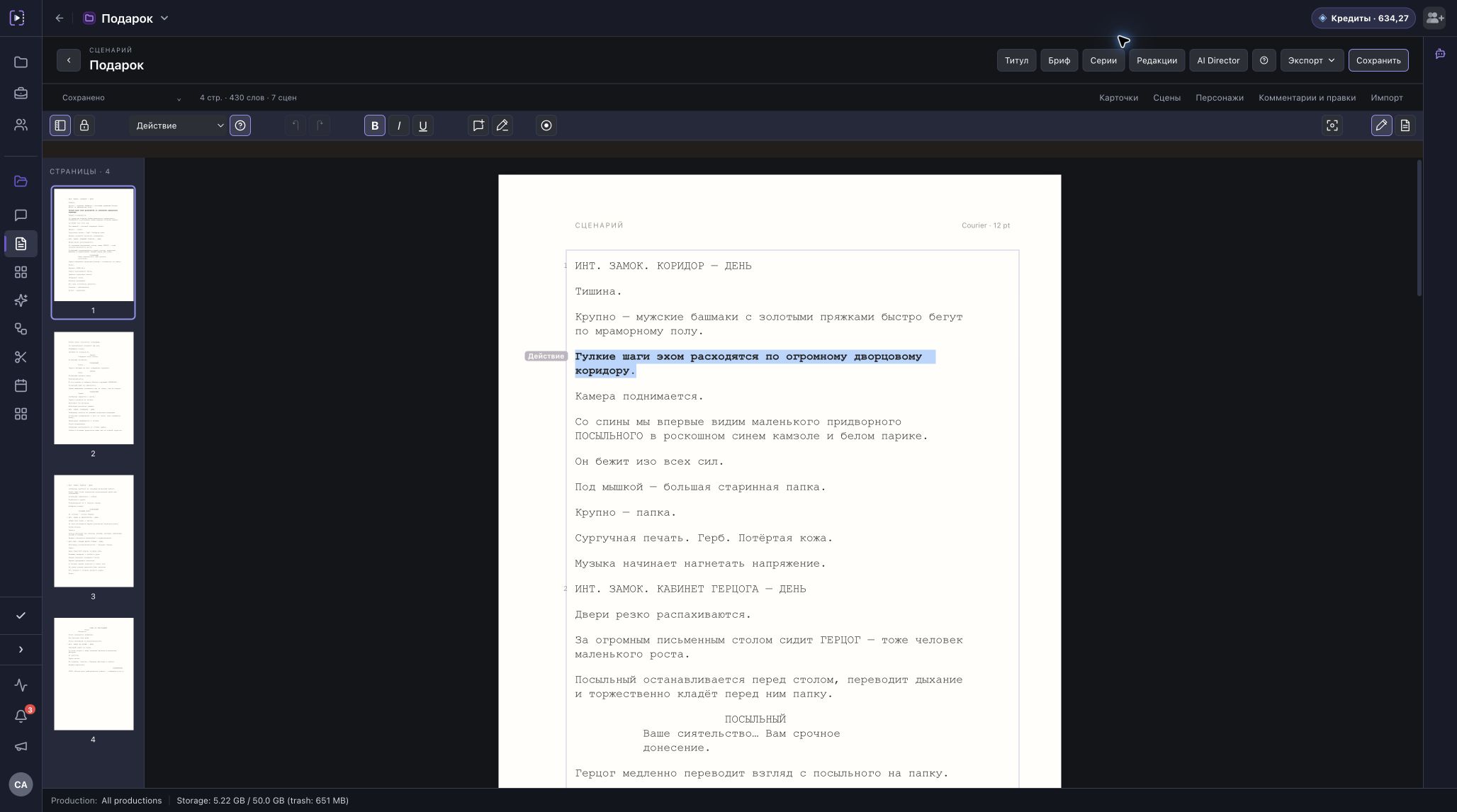
Choose scene, action, character, dialogue, parenthetical, or transition. The page takes screenplay shape as you write.
Arrange scenes into acts and storylines. Return to the structure to check the rhythm and order of events.
Save named revisions, discuss the text in comments, and lock scene numbers before handing the script to production.
Build a character map with family, partner, and custom ties. For a series, note what changes for a character in each episode.
The editor keeps the text, scene breakdown, and page navigation together. Focus on action and dialogue instead of fixing indentation after every change.
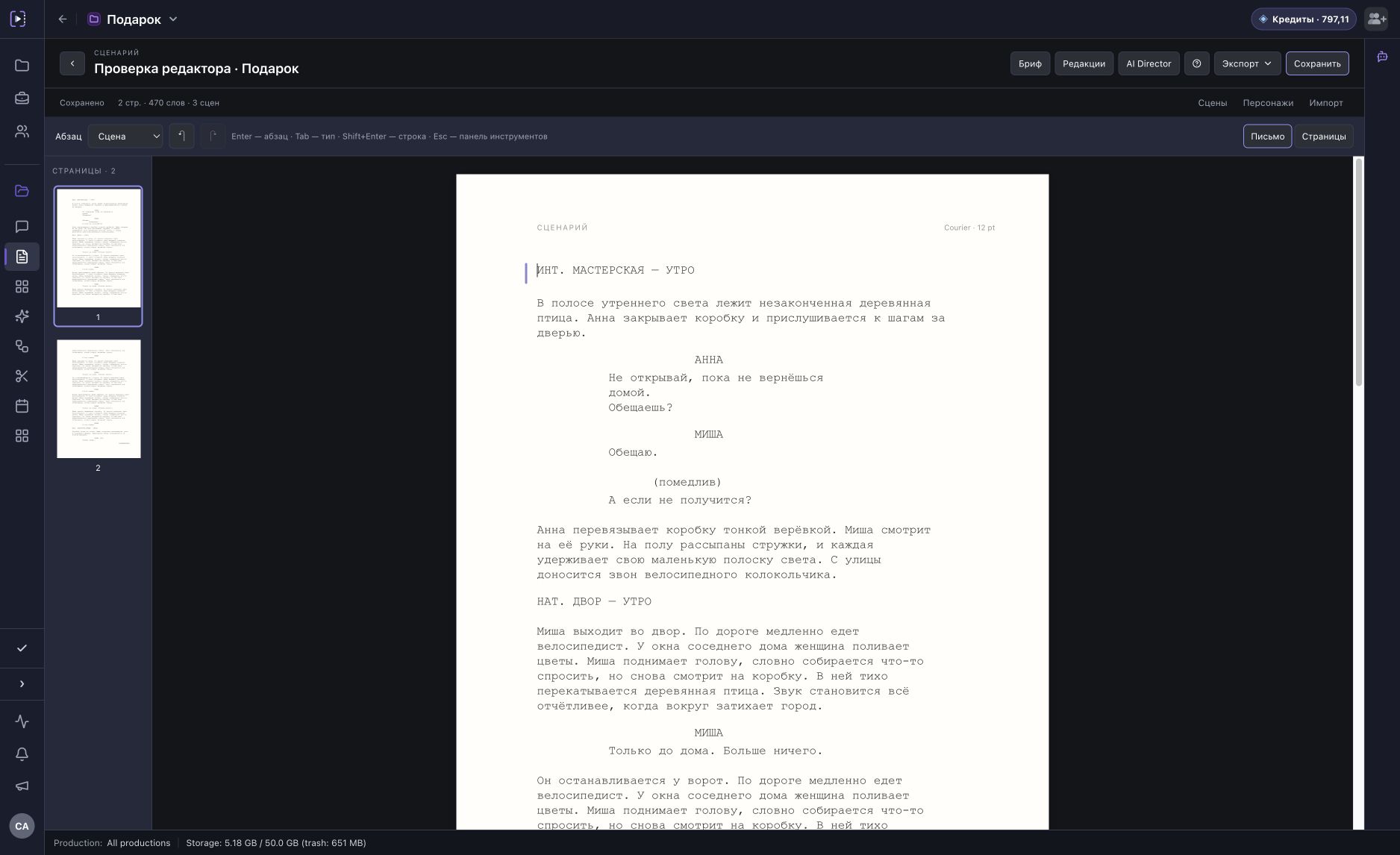
Build acts and storylines, reorder scenes, and see how the story fits together. The structure stays connected to the screenplay.
Connect characters and switch between the family tree and the complete relationship map. Each tie has a type or direction; each character has a card and an episode note. This fictional story makes it easier to see.
The night before a new bridge opens, engineer Vera finds a crack in its support. Closing it leaves the hospital across the river with one old ferry. Her father runs it. Her sister’s husband signed off on the bridge.
This example shows relationship types. In the editor, you create your own characters, ties, and notes.
Write a logline, synopsis, and beats. Rearrange story turns and connect them to acts and scenes when you find the right order. The screenplay text stays put.
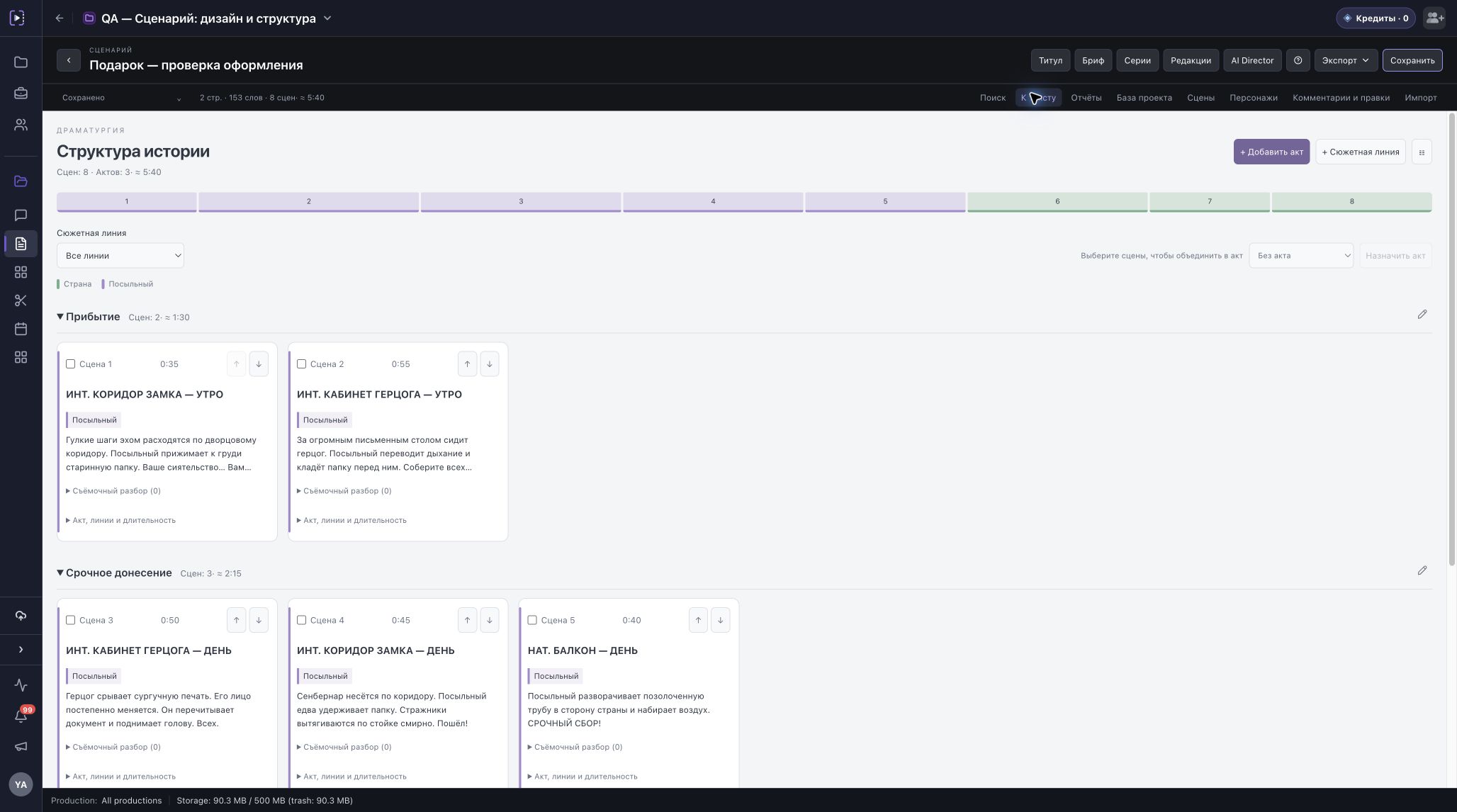
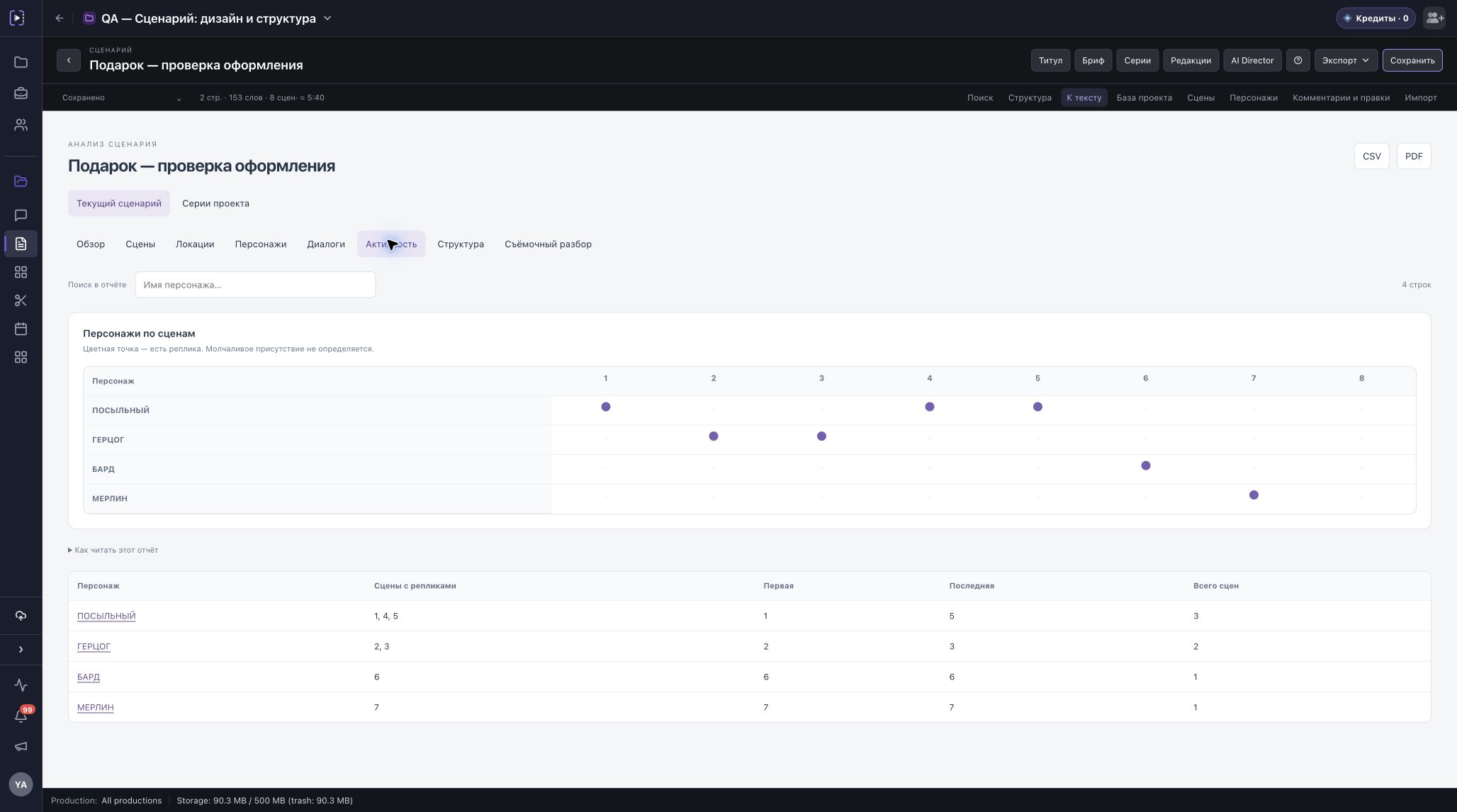
Reports show scenes, locations, and character dialogue. The activity map shows where someone speaks or is listed in a scene without dialogue. Estimated runtime helps plan scope, but it is not the film’s actual duration.
Check the pages and scene numbers, then export the screenplay in the format the next stage needs.
PDF · DOCX · FDX · Fountain · Markdown · JSON
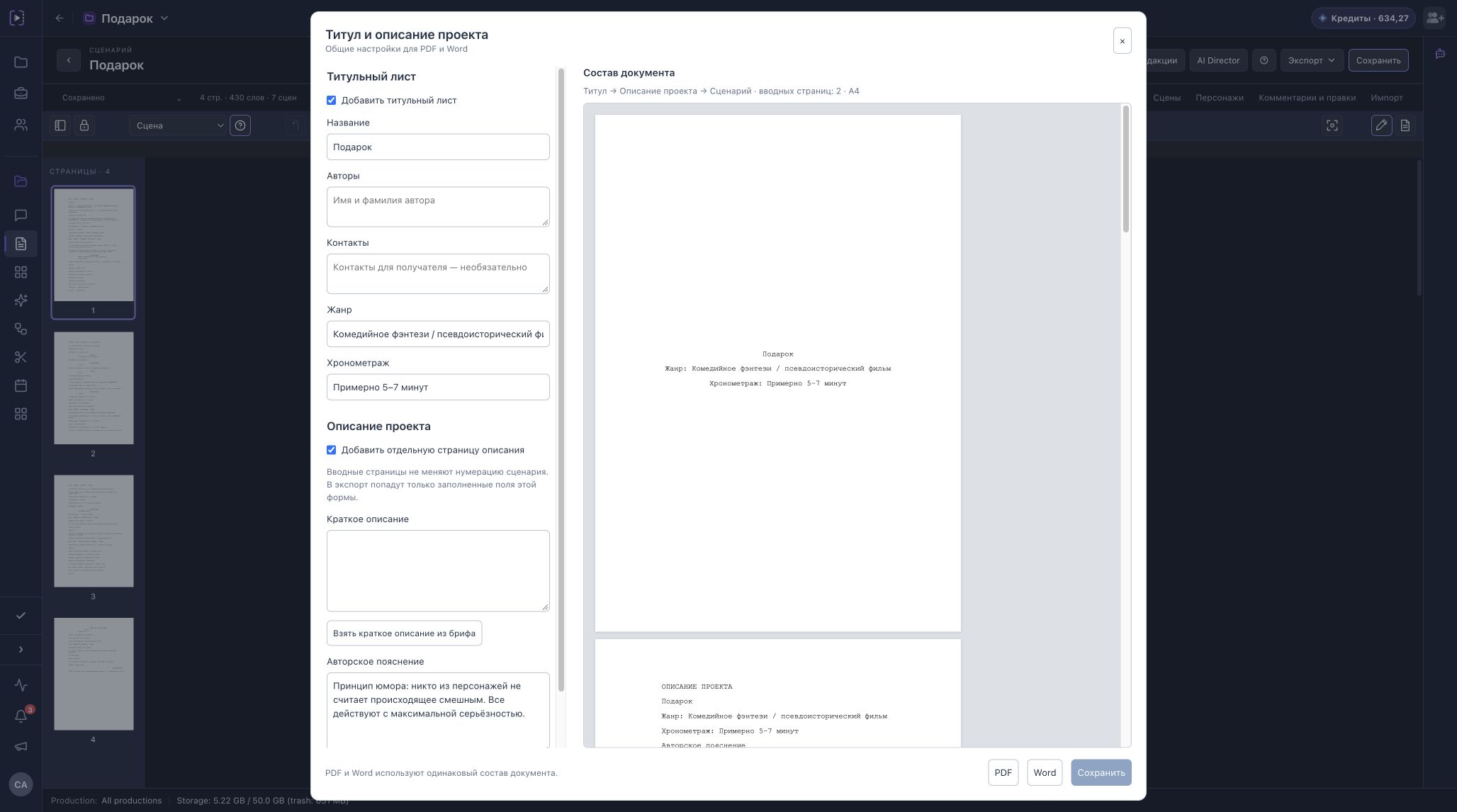
Create a project and open the screenplay editor in Time-Notes.
About the draft, the characters, and handing it over.