
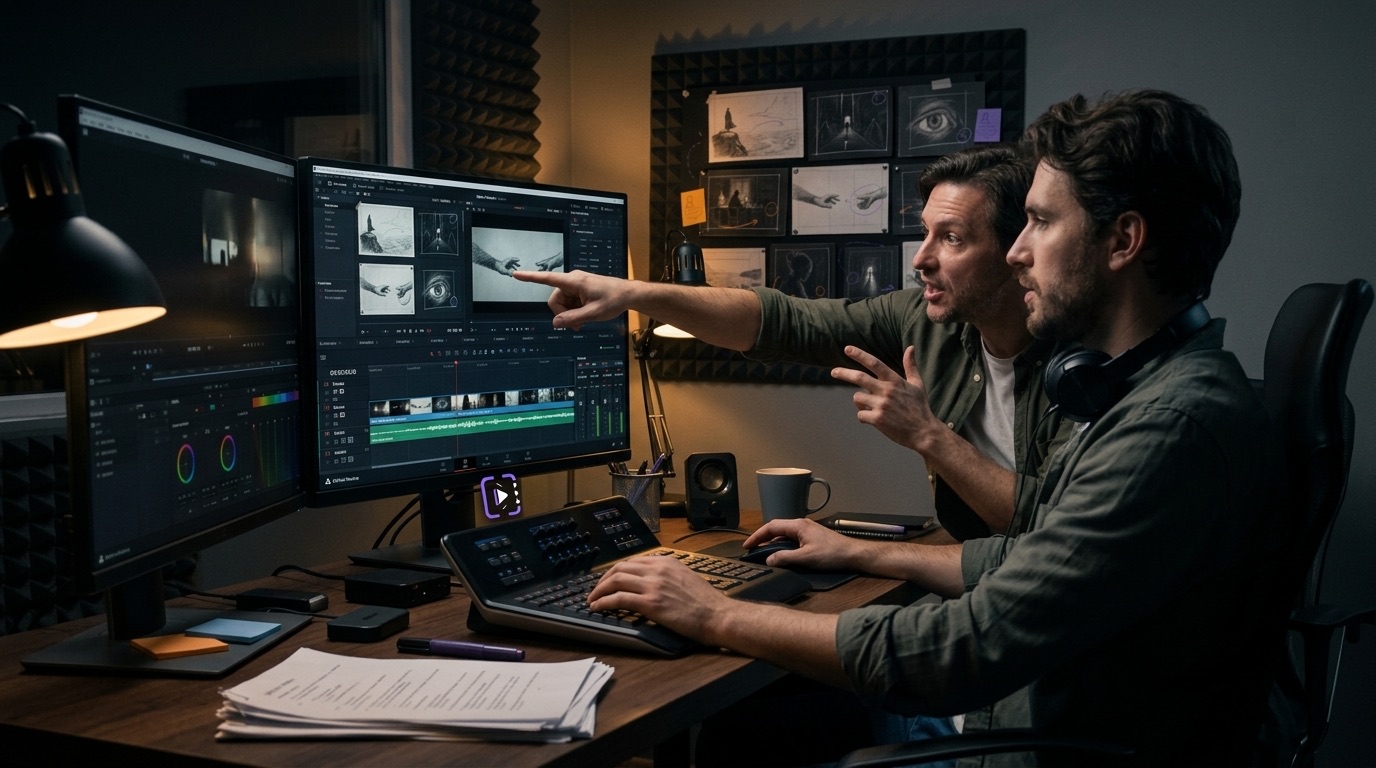
For directors & editors
Timestamped notes instead of “somewhere in the middle”. Every iteration lives in one version chain with side-by-side compare — feedback never gets lost in chats.
Timestamped commentsVersion compareMarker export
Timestamped comments, protected links, version compare, and transcription — everything you need to review video without feedback scattered across chats.
Video review for teams and clients
Every production role has its own workflow — Time-Notes removes the approval busywork for all of them at once.
Timestamped notes instead of “somewhere in the middle”. Every iteration lives in one version chain with side-by-side compare — feedback never gets lost in chats.

Draw right on the frame, attach references, and discuss storyboards in one place — instead of annotated screenshots scattered across messengers.
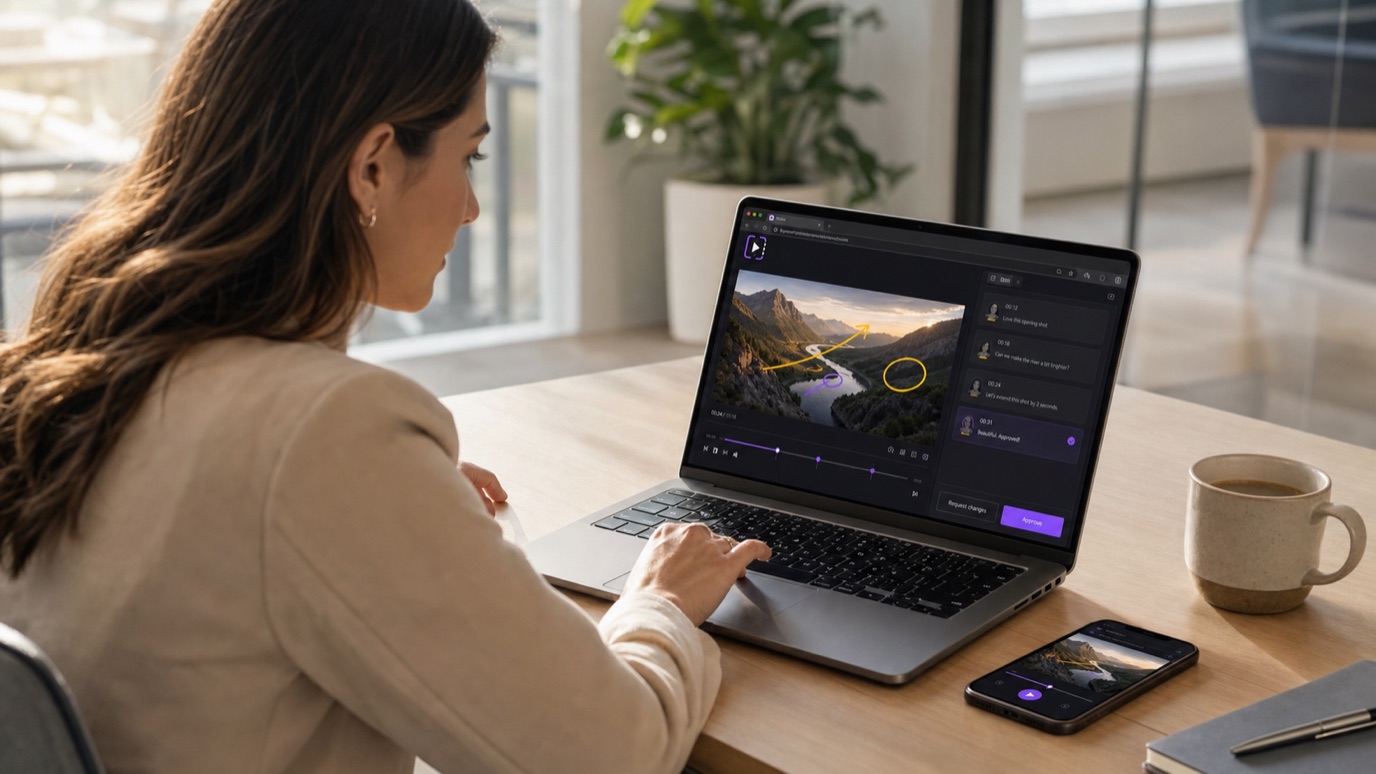
Open a protected link right in the browser — nothing to install, no sign-up. Watch, leave notes, approve the version: sign-off in a single pass.
Check master files before client delivery, keep QC results in the project, and jump back to a flagged segment by timecode.
Run a preliminary picture, sound, and speech check before mandatory control by the receiving party.
Choose a template for film, stage, audio, or plain text. Shape acts, sequences, and beats above the page and keep notes. Invite co-authors to just the script they need: to read, comment, or write together.
Explore the screenplay editor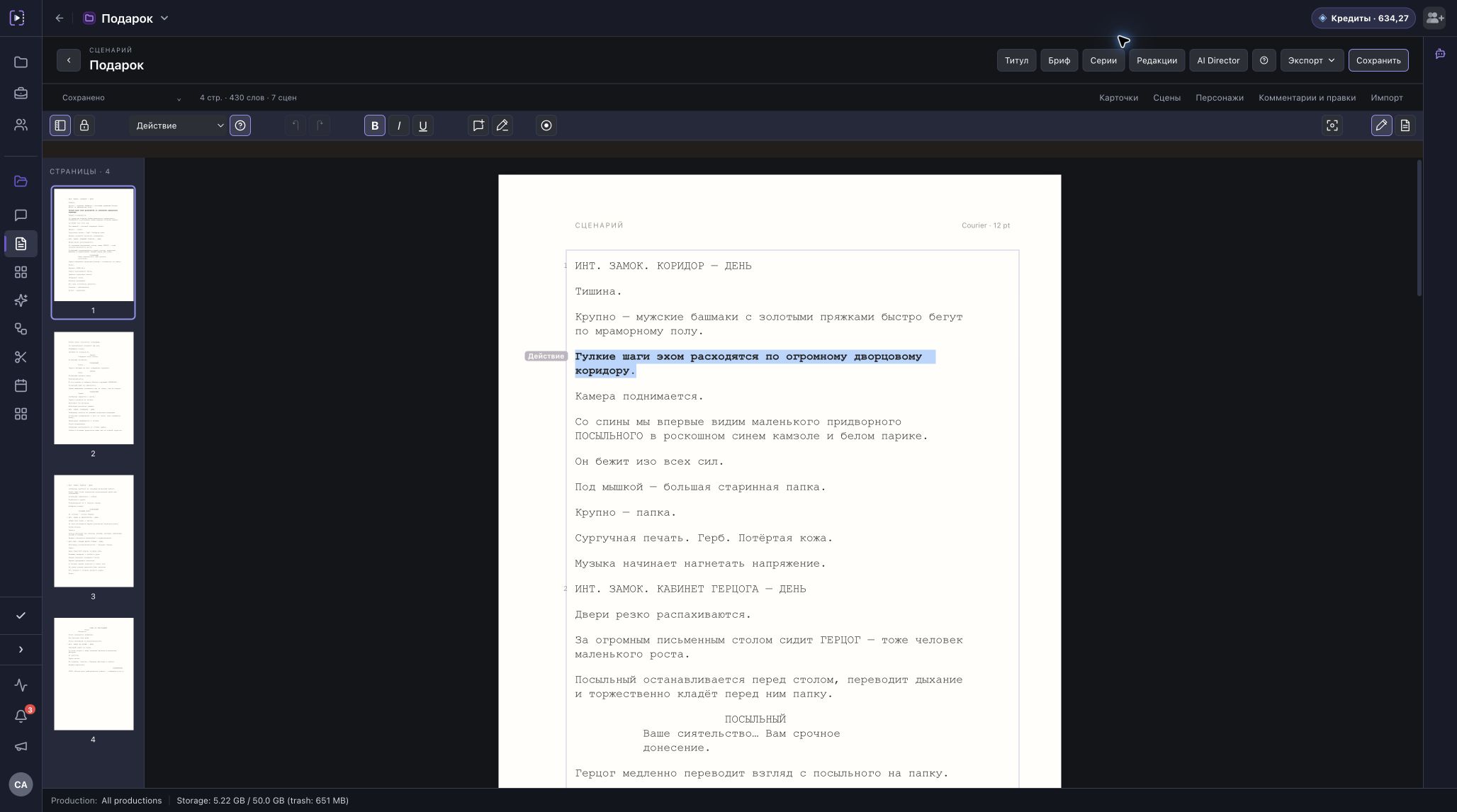
Full access to the review player, protected links, transcription, and team workflows.
Feedback stays with the media and the right version.
Leave notes on an exact frame or a range of video or audio.
Circle a detail or show a change directly on the picture.
Discuss notes in replies and mark resolved feedback.
Upload a new cut into a version stack and compare it with the previous one.
Send the media to a client for viewing and comments without registration.
Export markers to Premiere Pro and Final Cut Pro via XML, and to DaVinci Resolve via EDL.
Personal Overview
Call sheets, screenplay discussions, and videos from different projects. Open a material from its card and arrange the sections in the order that suits your work.
See how Overview works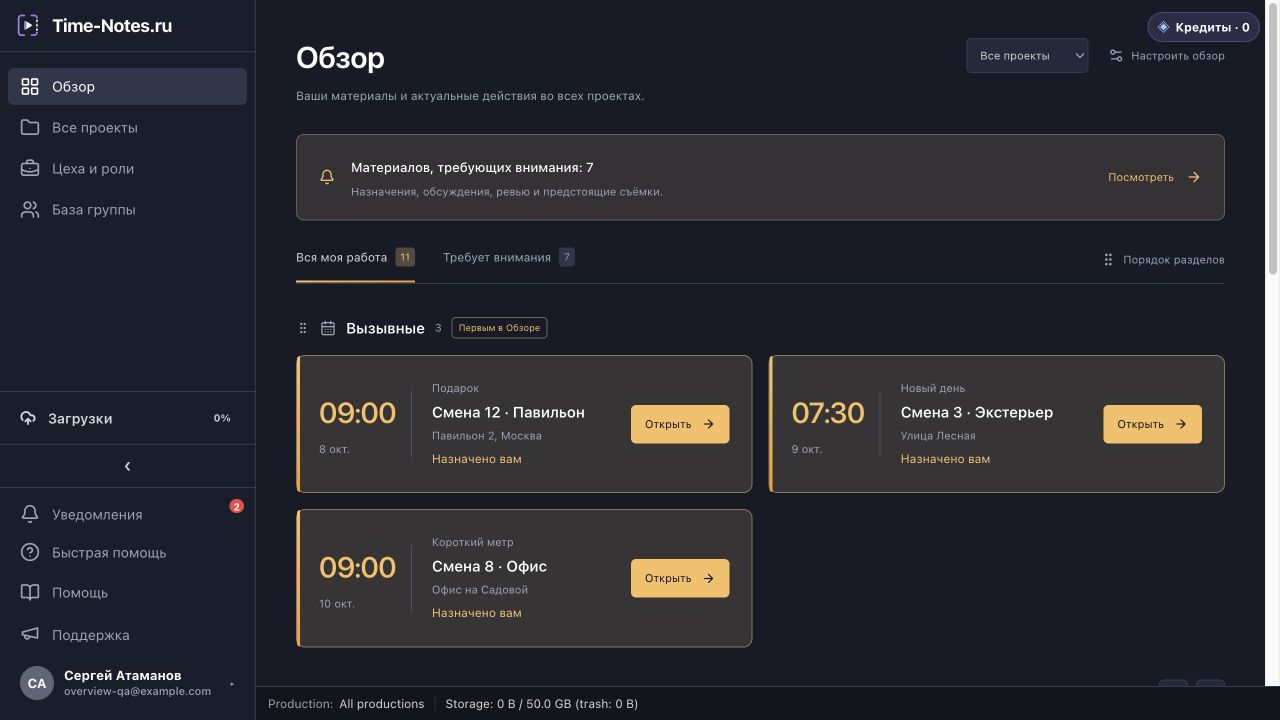
DaVinci Resolve ↔ Time-Notes
Match the frame rate and starting timecode to keep positions aligned. Range marker durations are preserved.
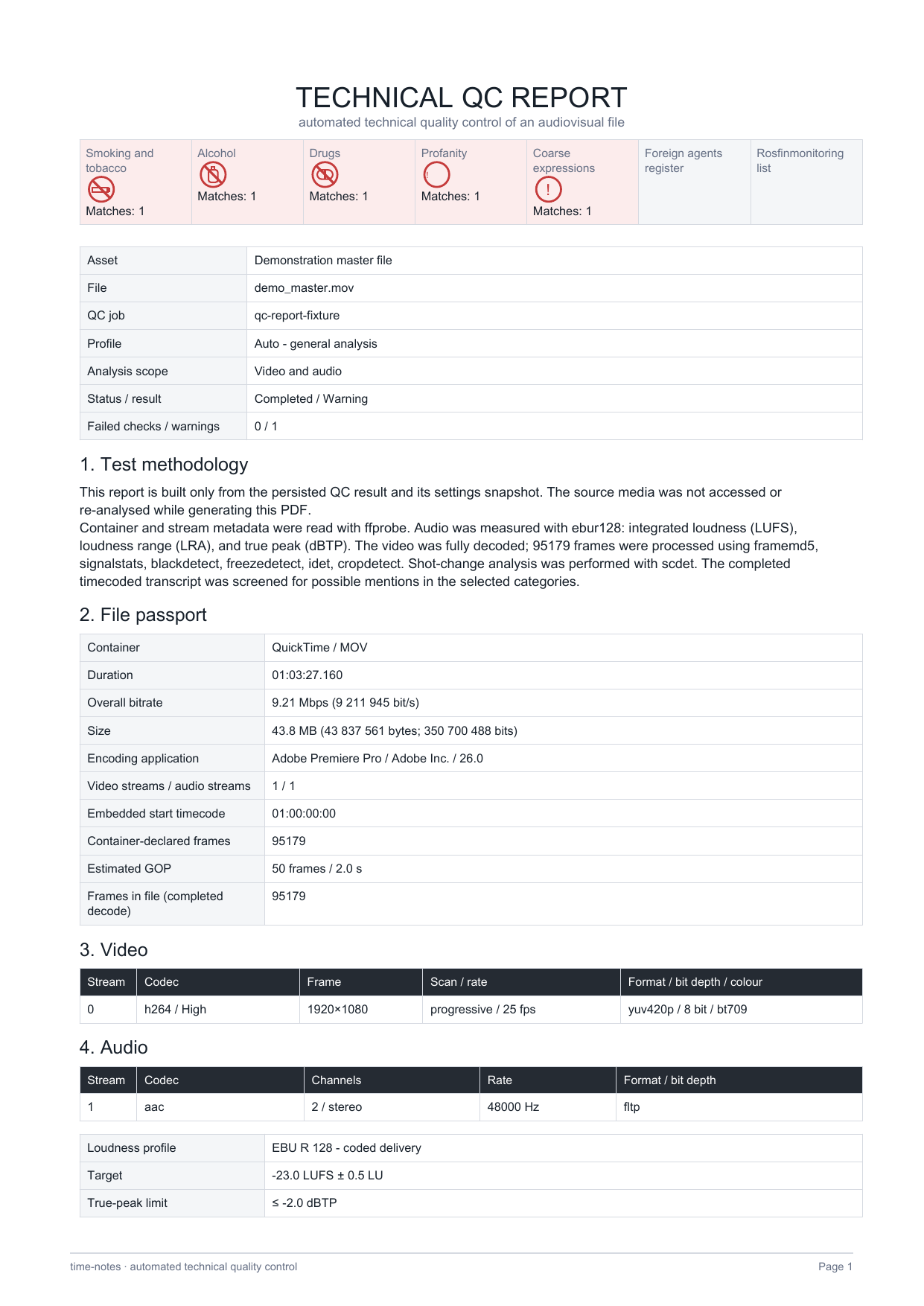
Before delivering a master file, check technical parameters, loudness, and frame anomalies. Using the transcript, Time-Notes also flags mentions of smoking, alcohol, drugs, profanity, coarse language, and possible matches with the Ministry of Justice and Rosfinmonitoring lists.
Current plans will be published here when the app reopens.
Creative teams use Time-Notes.ru for collaborative review.